see a project come together.
aperture athletic: ss27 campaign shoot
a running apparel brand planning its ss27 campaign around early-morning city runs, from the shoot treatment and shot list to layouts for web, paid social, and a 12-page lookbook.
this fictional project shows one way to use Index. your work can take its own shape.
give the work a place.
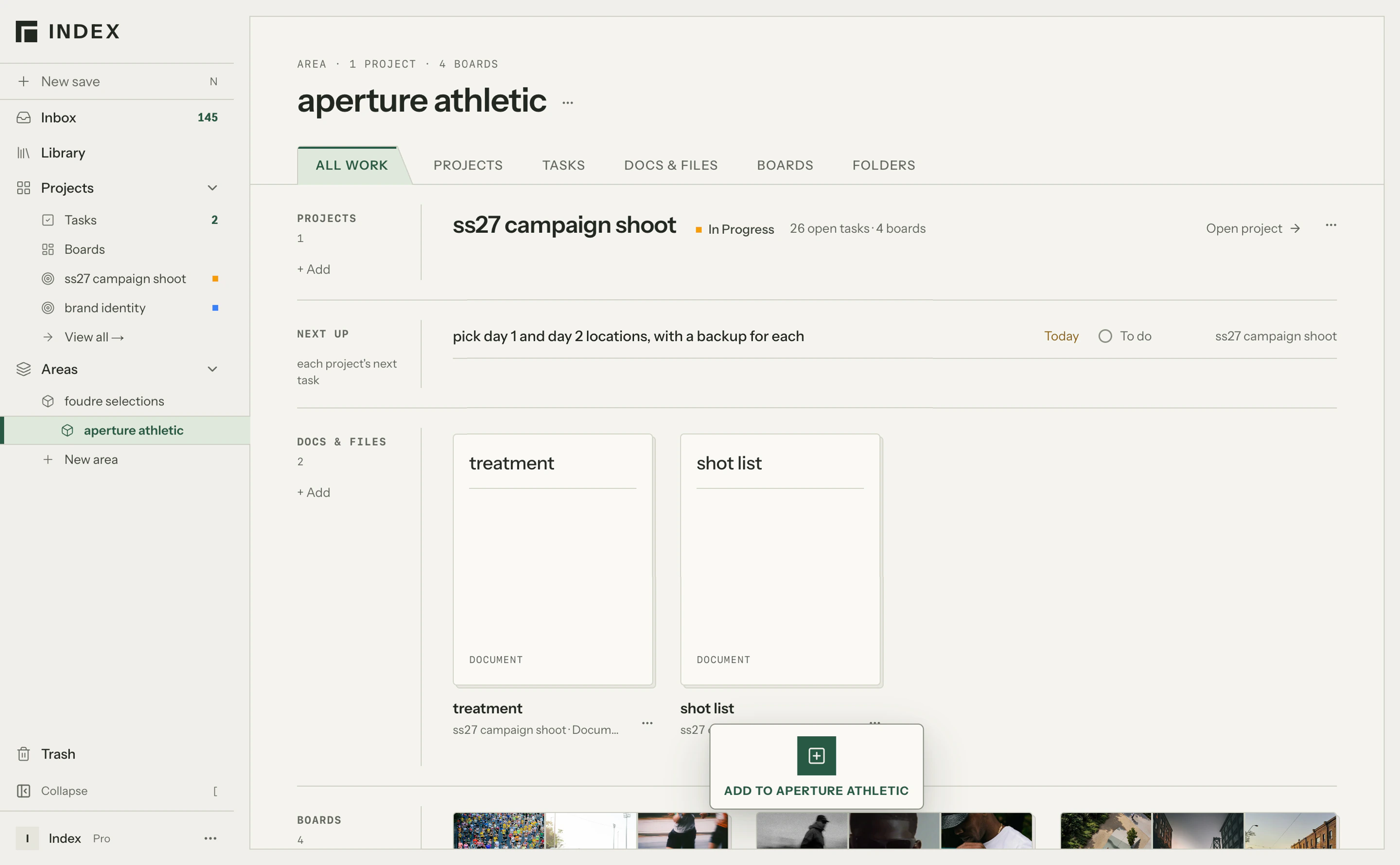
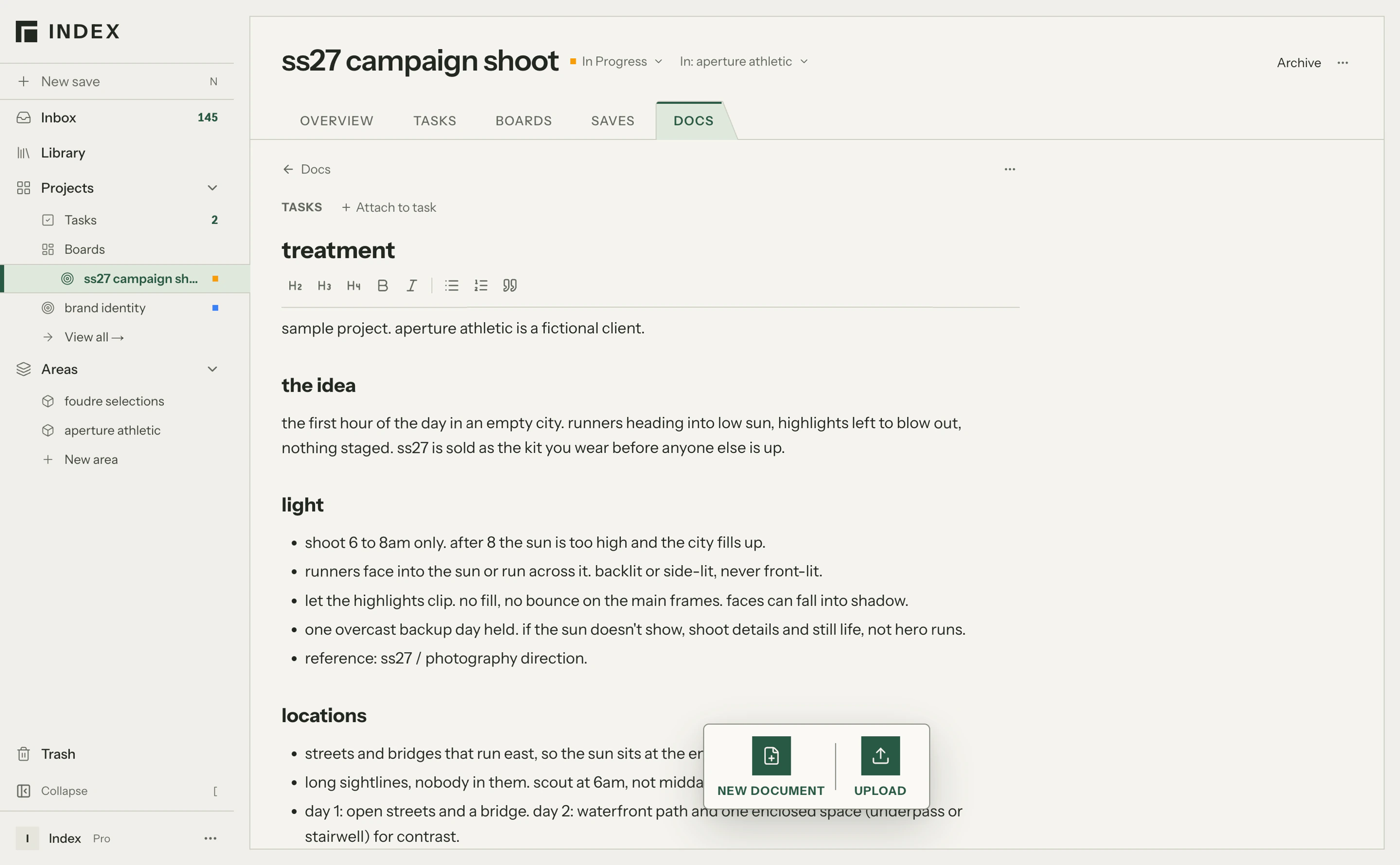
create a project and add the brief to Documents. keep the assignment, working notes, and supporting material together as you figure out what comes next.
the ss27 brief sets out the early-morning idea, the two-day shoot, and the layouts to deliver.
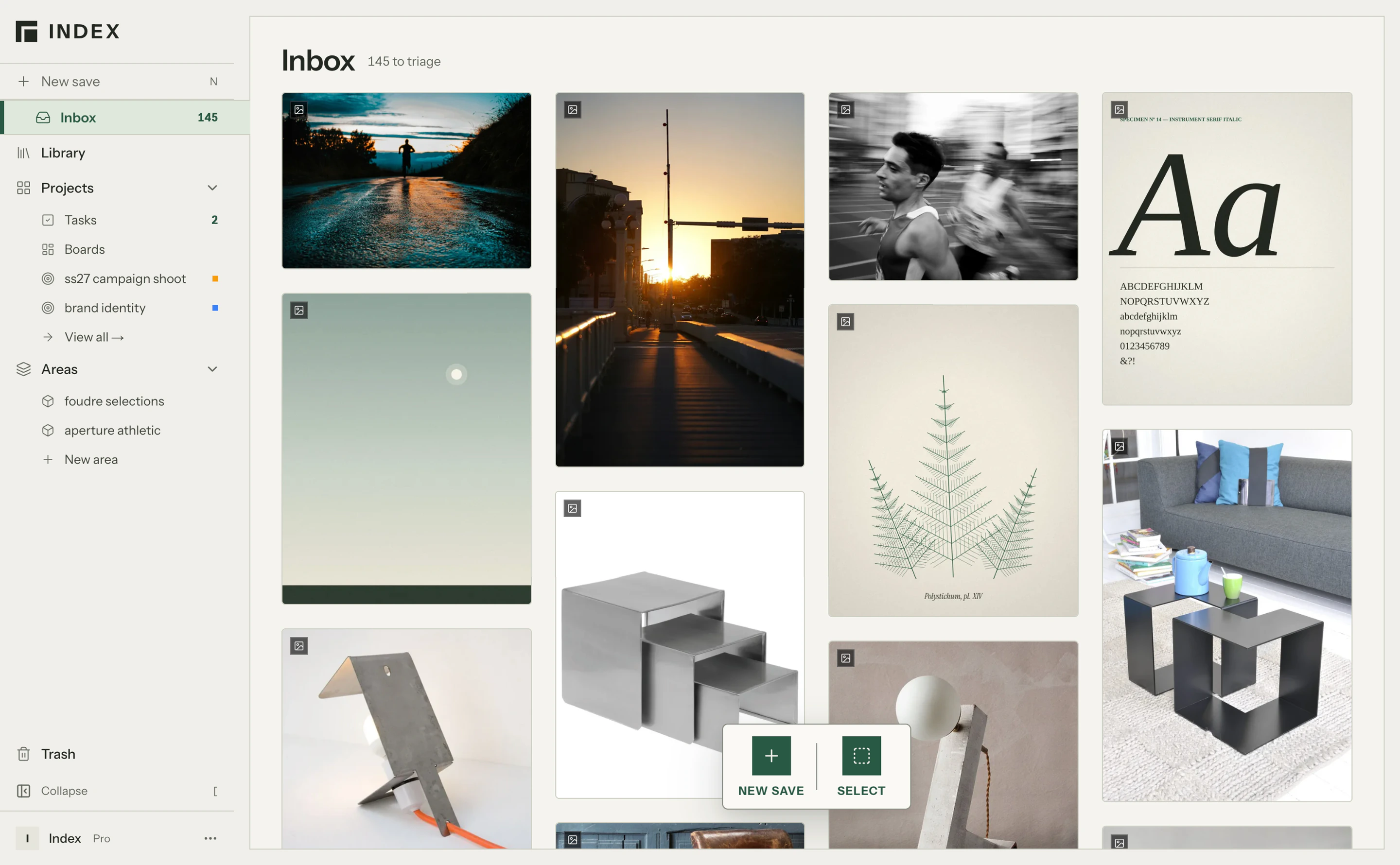
keep something worth exploring.
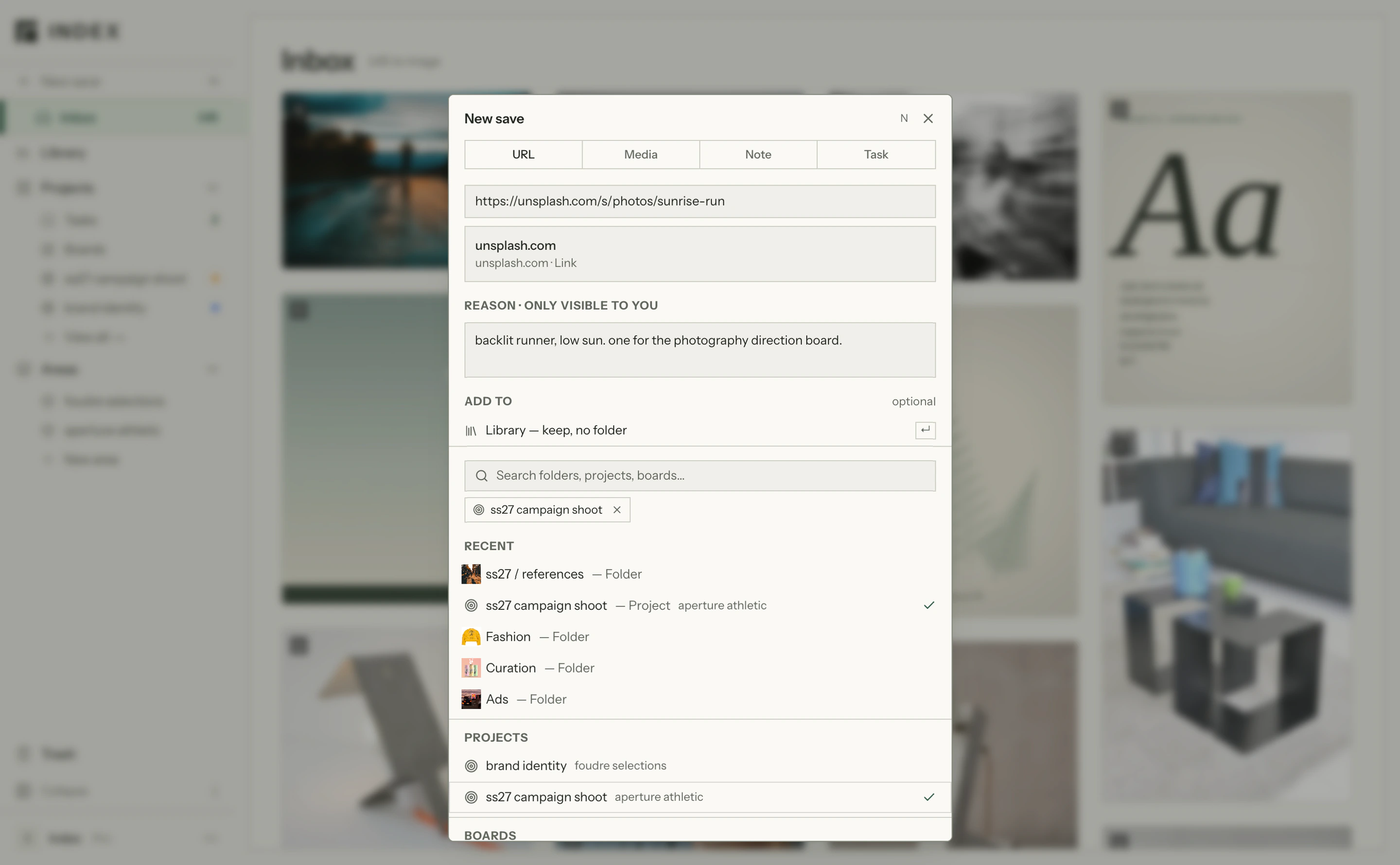
save images, links, files, and notes through your browser, your iPhone, or directly in Index. send them to your Inbox or choose a destination as you save.
race-day photography, a sunrise street, and a running club identity become material to explore.
bring your collection into the work.
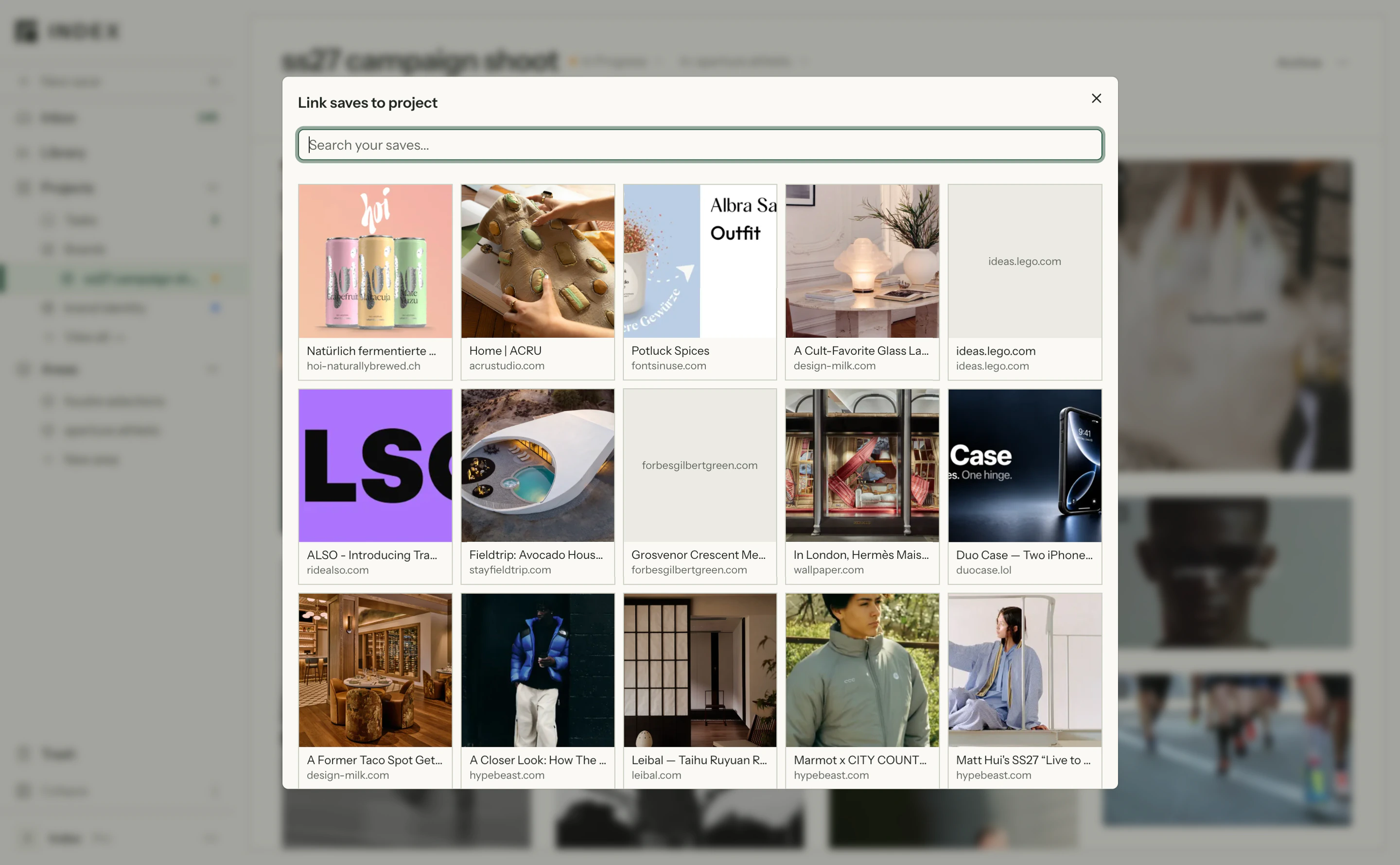
return to references you’ve already collected. browse folders and filter your library, then add relevant material to the project.
an older reference from the library joins the newly collected images, bringing another possibility into view.
explore more than one direction.
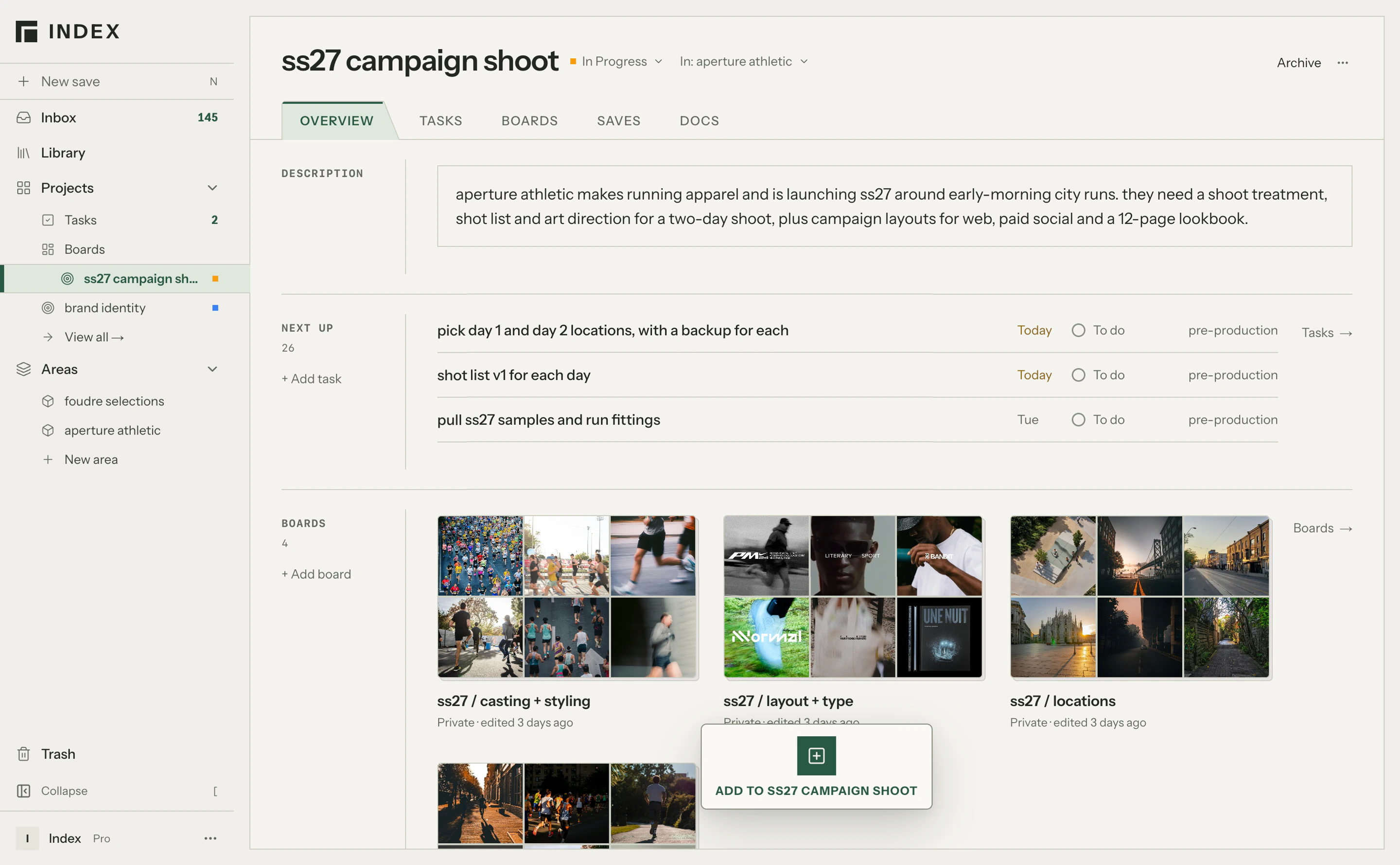
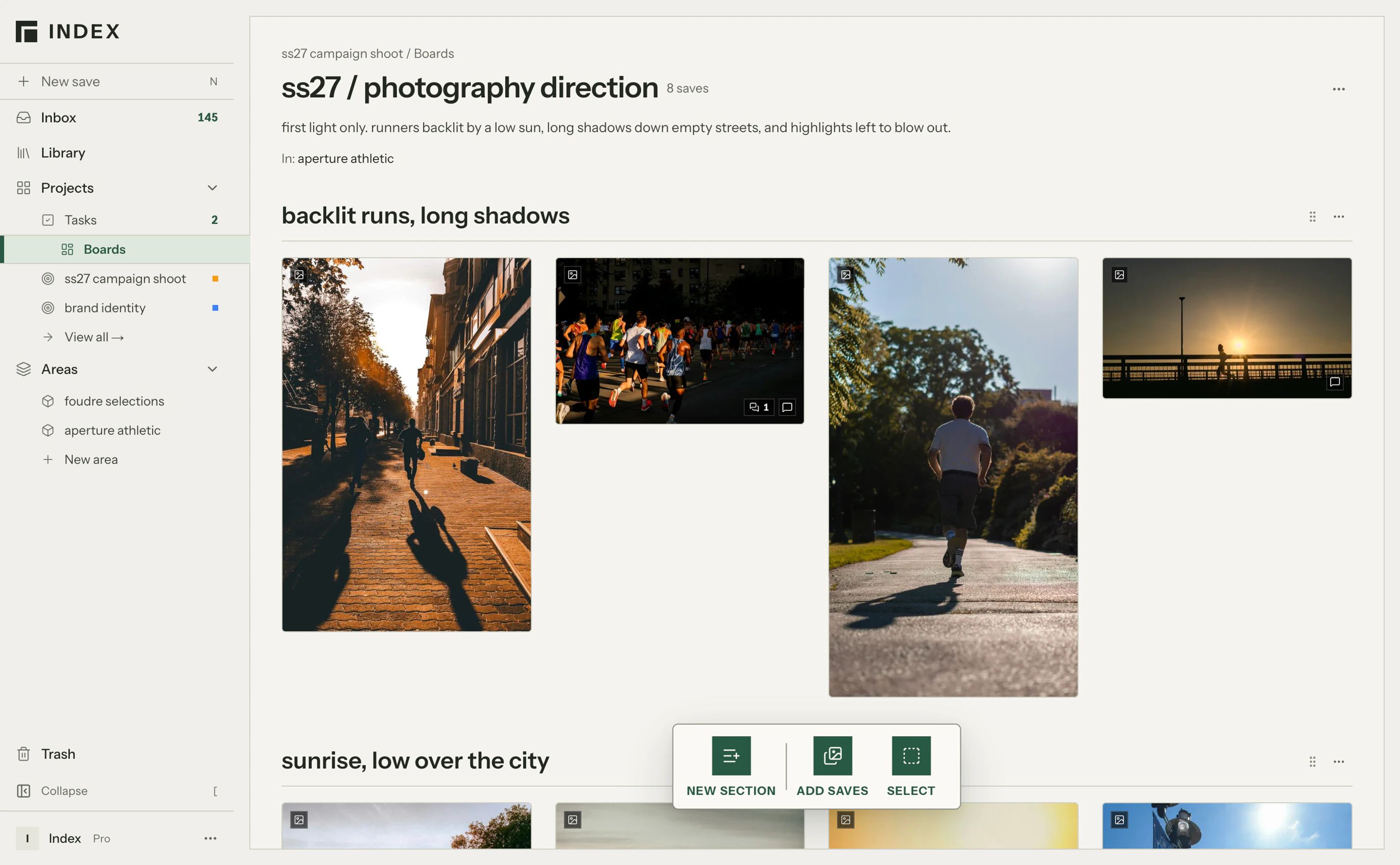
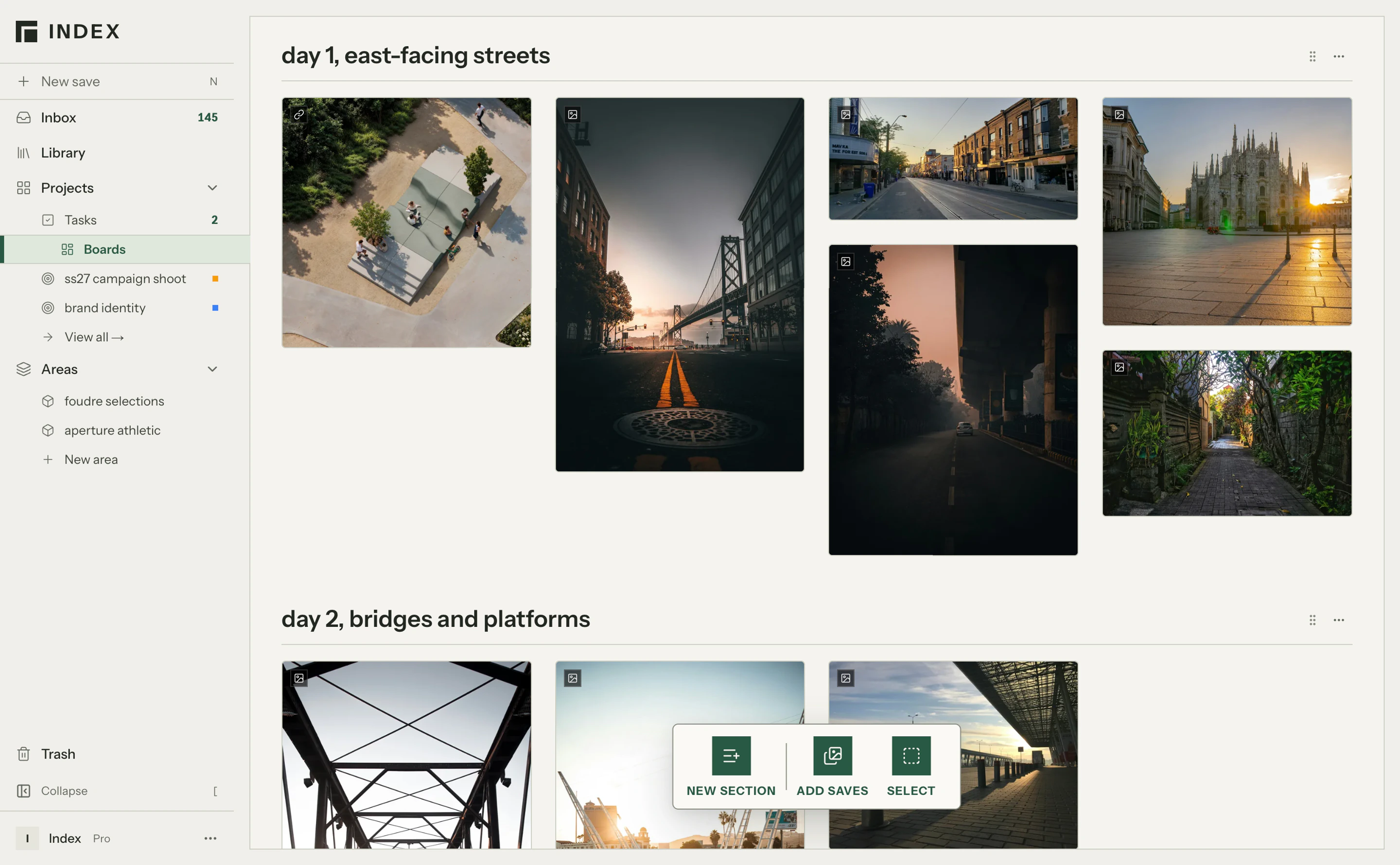
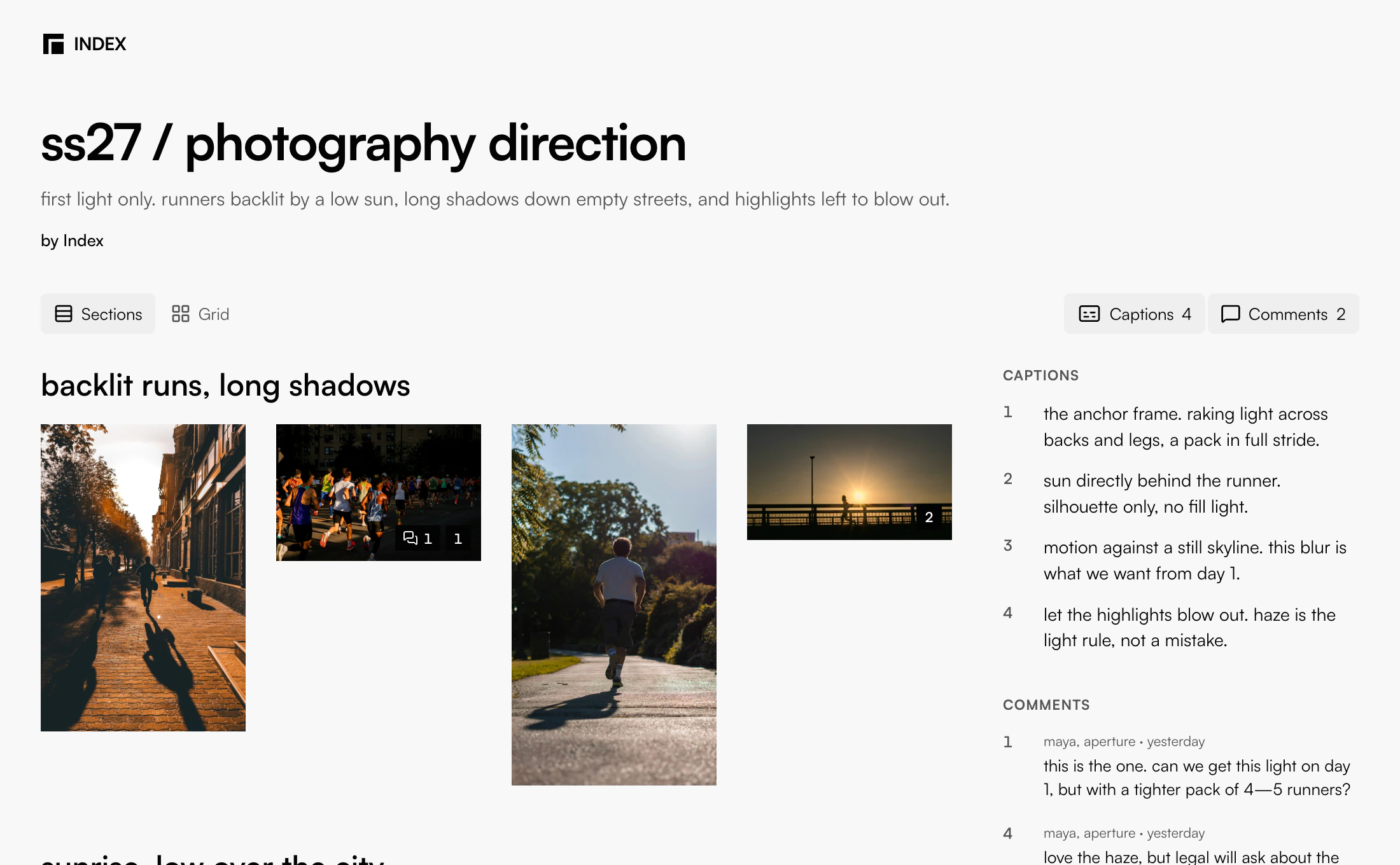
bring references together on boards. use sections to group the material and captions to explain the qualities you want to explore.
four boards explore casting and styling, locations, photography direction, and layout and type.
keep the next steps close.
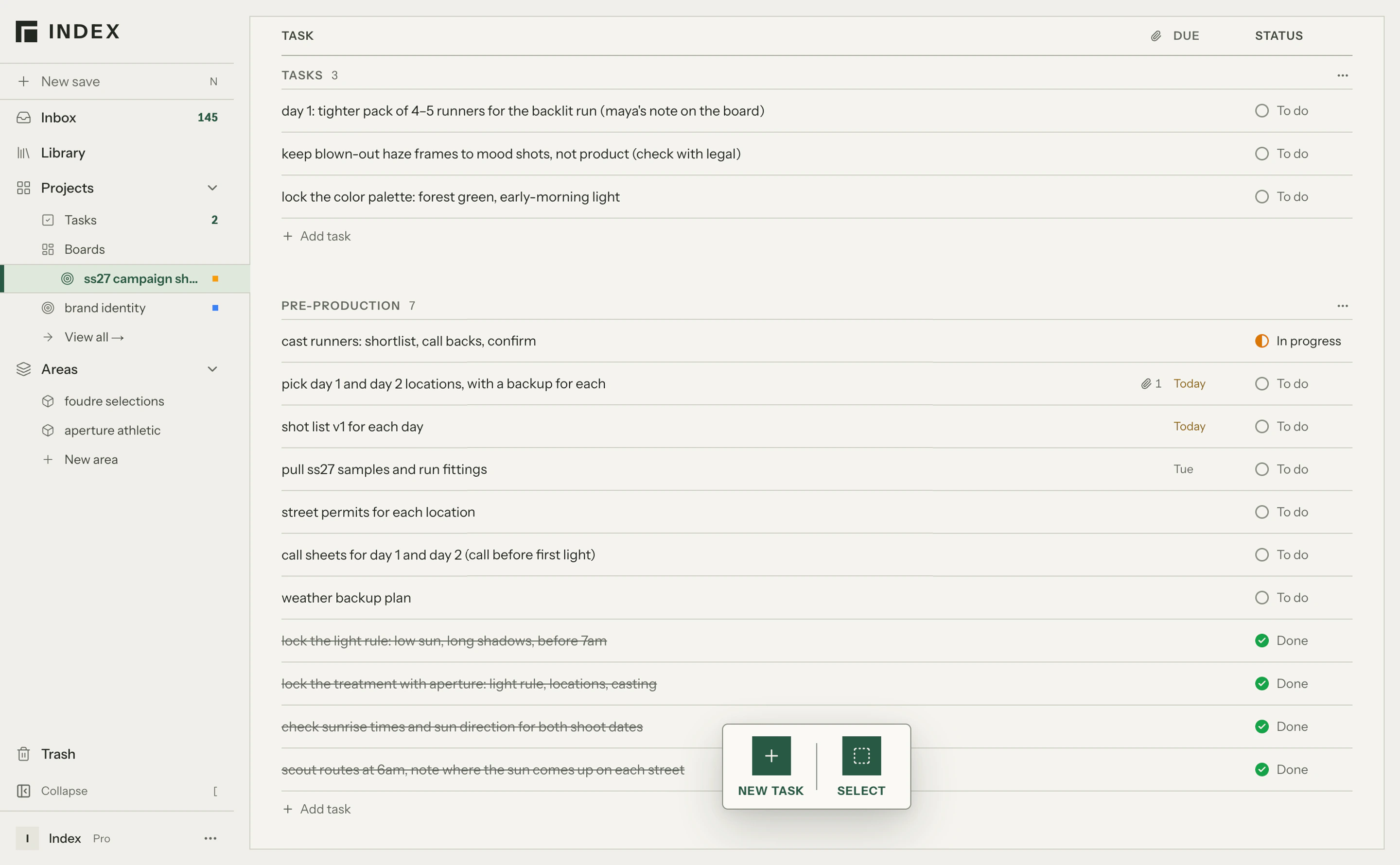
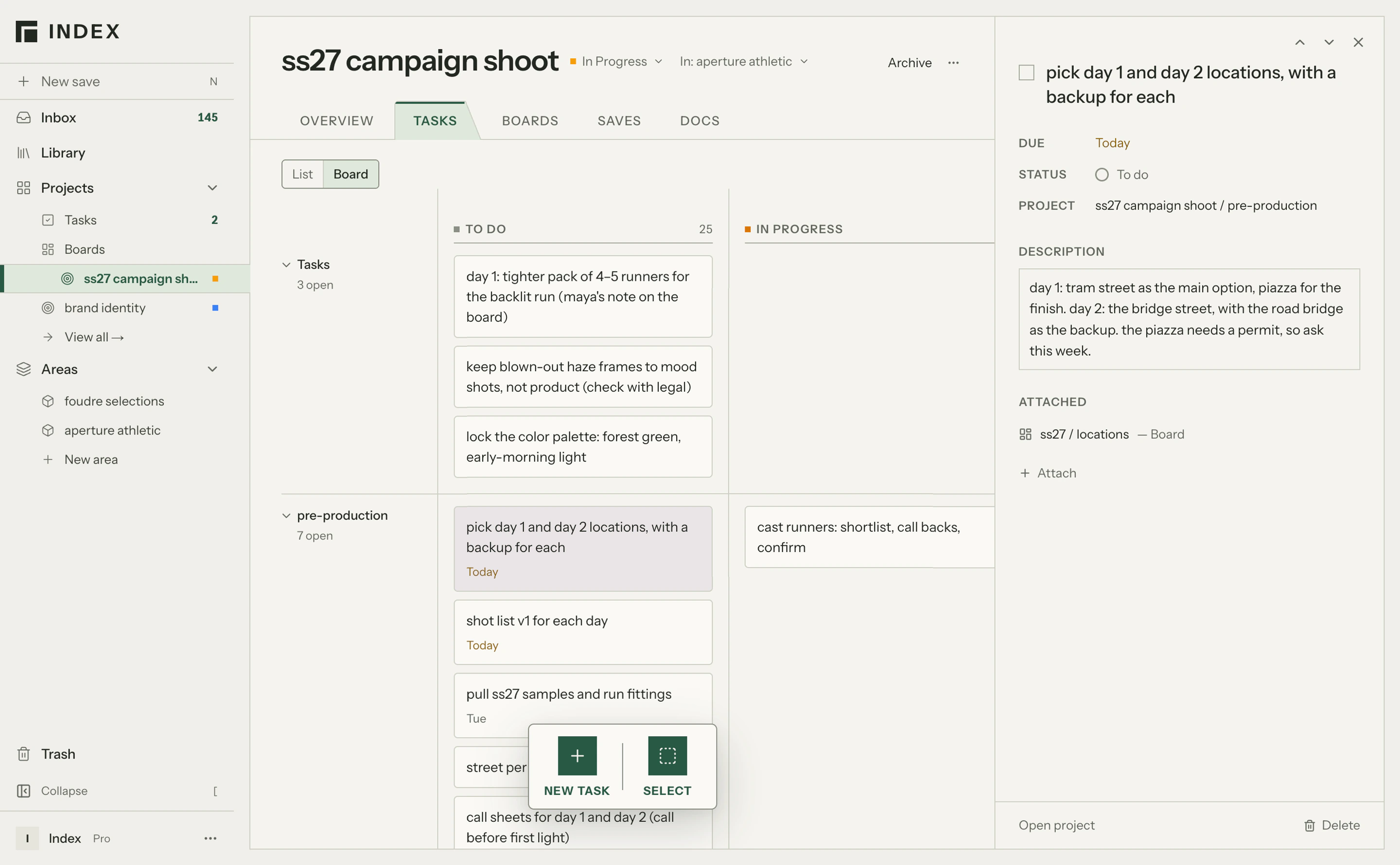
track tasks alongside the documents, boards, and references that support them. keep practical details within reach as the project develops.
tasks cover locking the treatment, checking sunrise times, and scouting routes at 6am. the treatment and shot list record decisions along the way.
share the thinking.
share a board so clients and collaborators can view the direction and leave comments.
maya from aperture asks for a tighter pack of runners on day 1, and flags the blown-out sky for legal.
carry the work through.
return to the project to record next steps and work through revisions.
bring finished assets into Index from the tools you use to make them, keeping the result alongside the material and thinking behind it.
maya’s comments become two new tasks: a tighter pack for the day 1 backlit run, and keeping the blown-out haze to mood shots. they sit with the work already done.